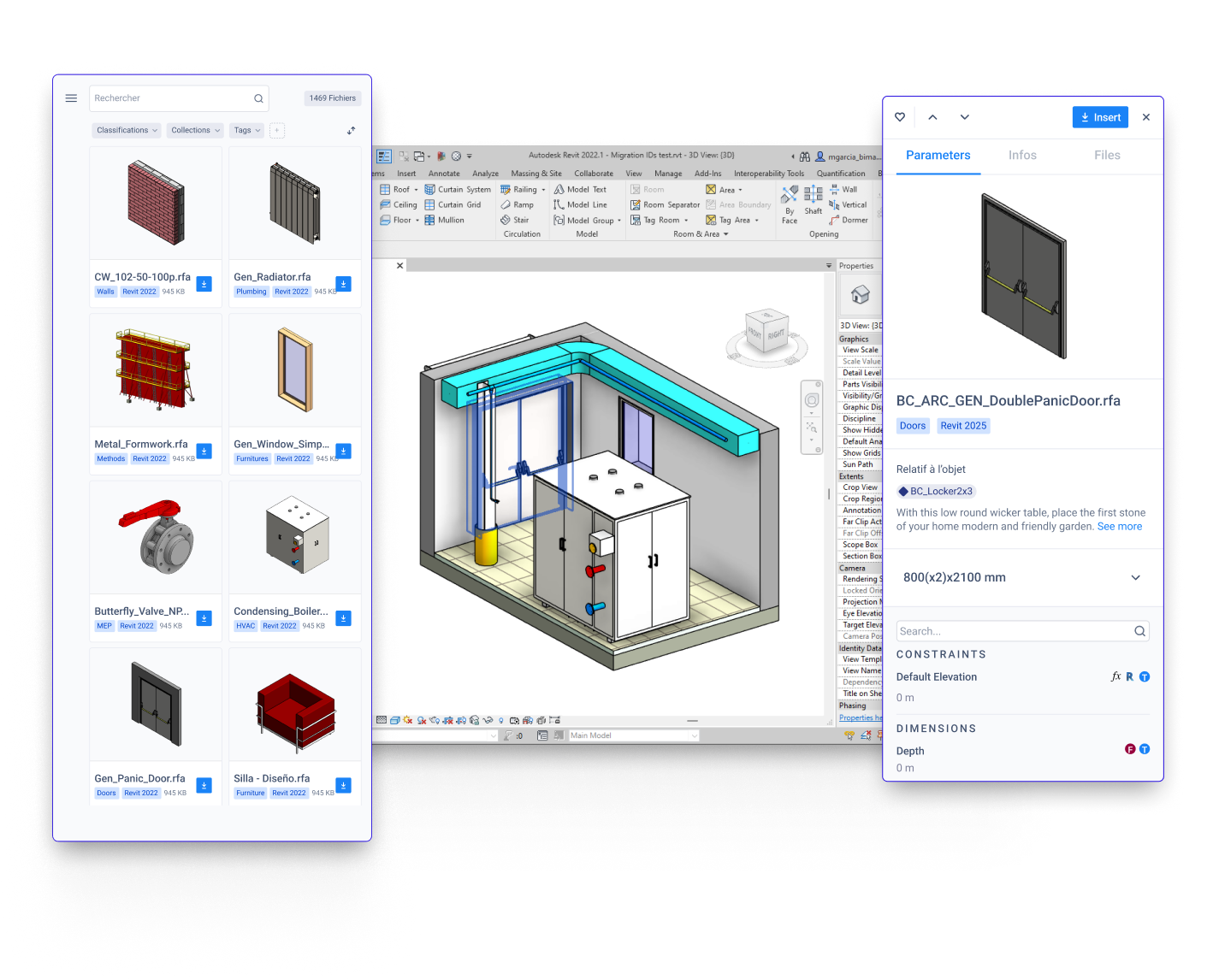
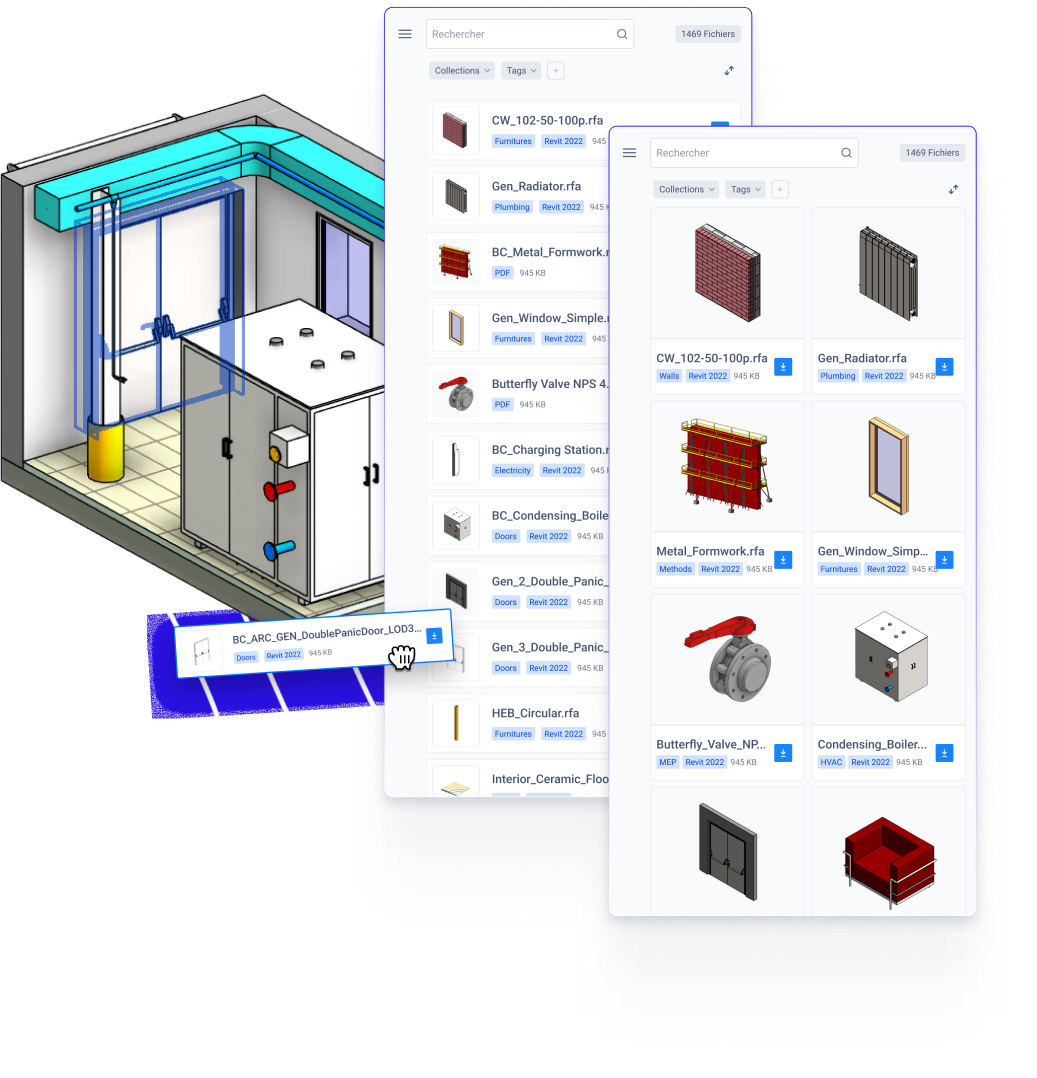
Stop wasting time digging through folders or servers. Simply type, click, and place your content. Whether you’re in Revit, AutoCAD, or any other tool, your entire library is just seconds away —no extra steps, no downtime
Zero Downtime: Find every object in seconds
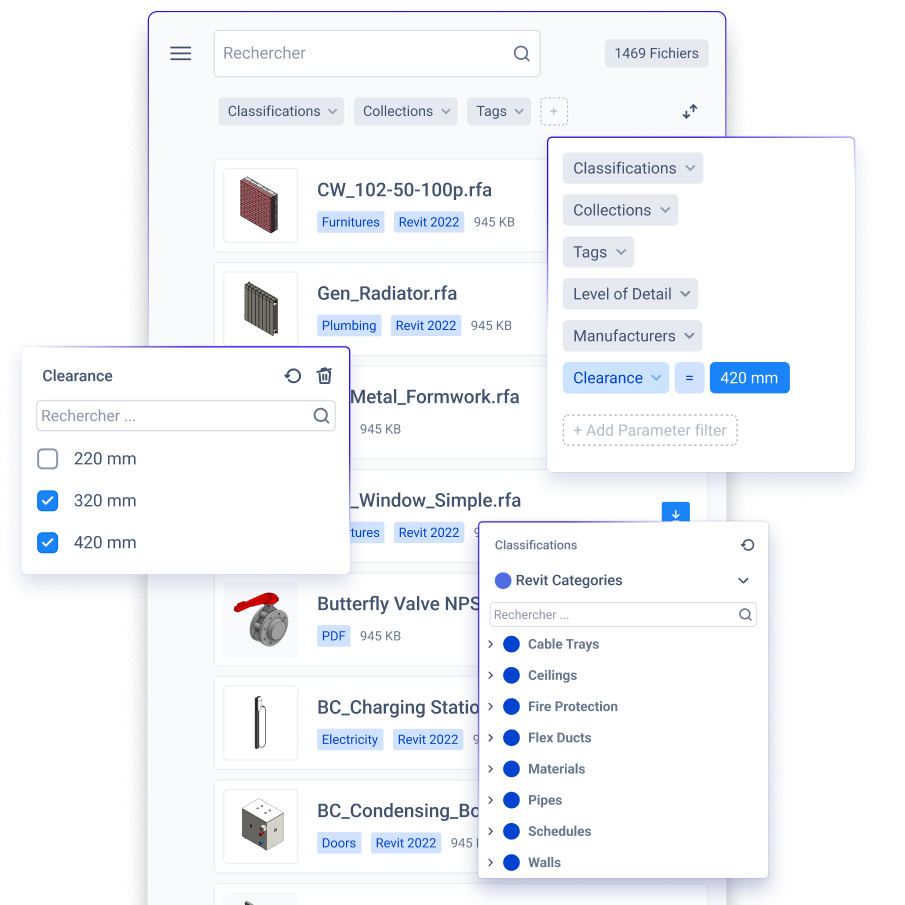
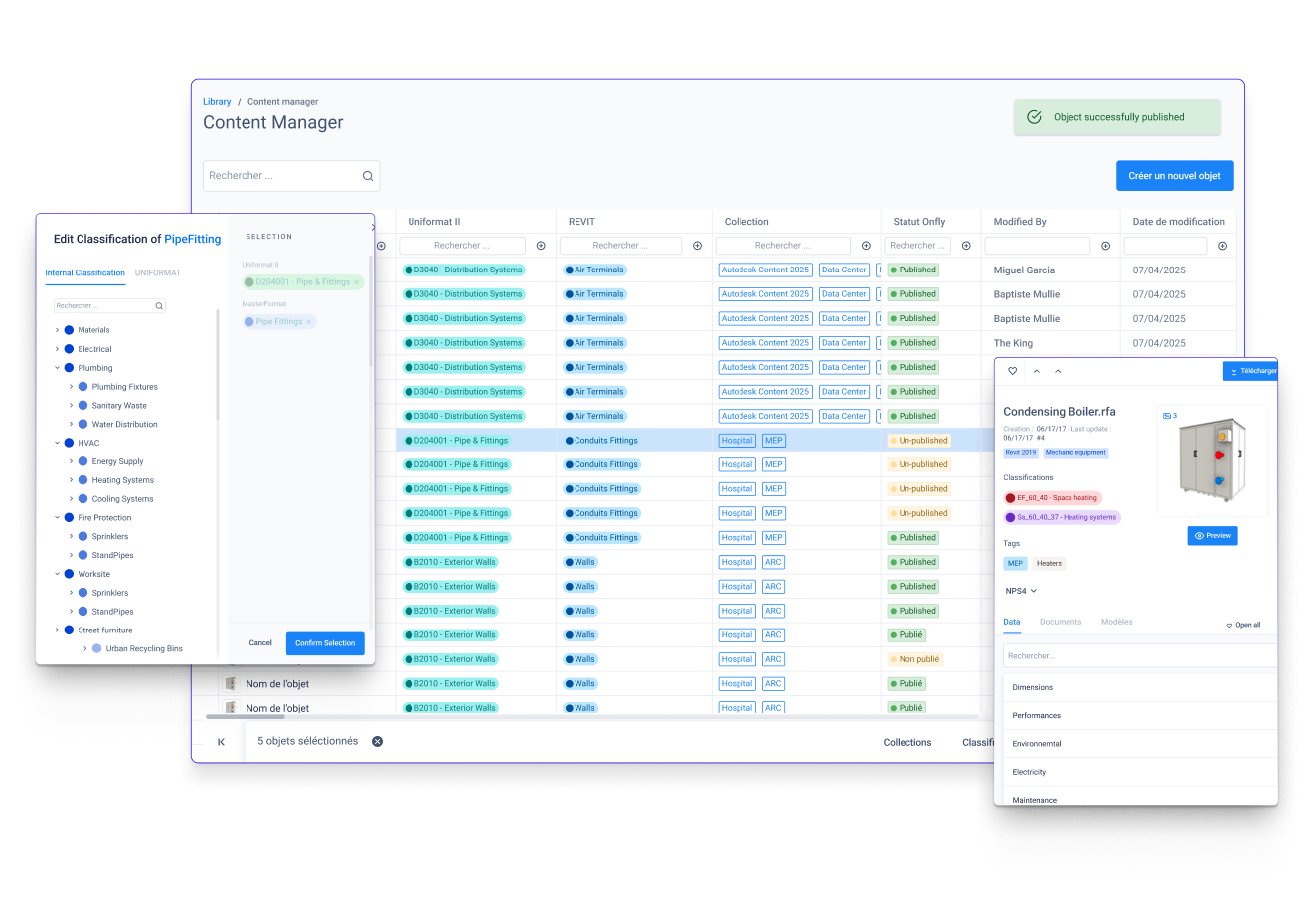
No matter how vast your library, you can fine-tune your search with filters like categories, classifications tags, or parameter-based criteria. —Zoom-in on the exact component you need, fast.
Filter out the noise
From Anarchy To Hierarchy
Take control of your content. Define clear review and publishing workflows, enforce codifications, and keep your library organized. No more chaos—just a clean, structured system.
No room for errors
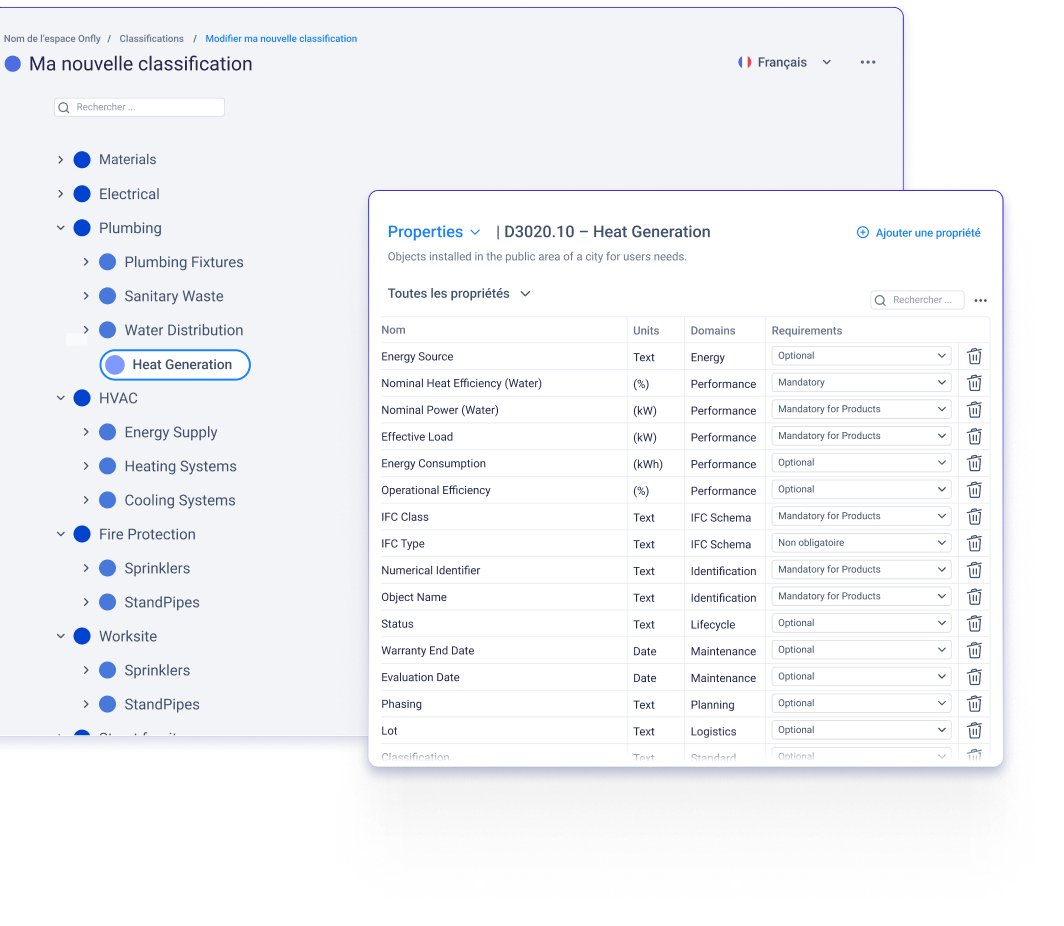
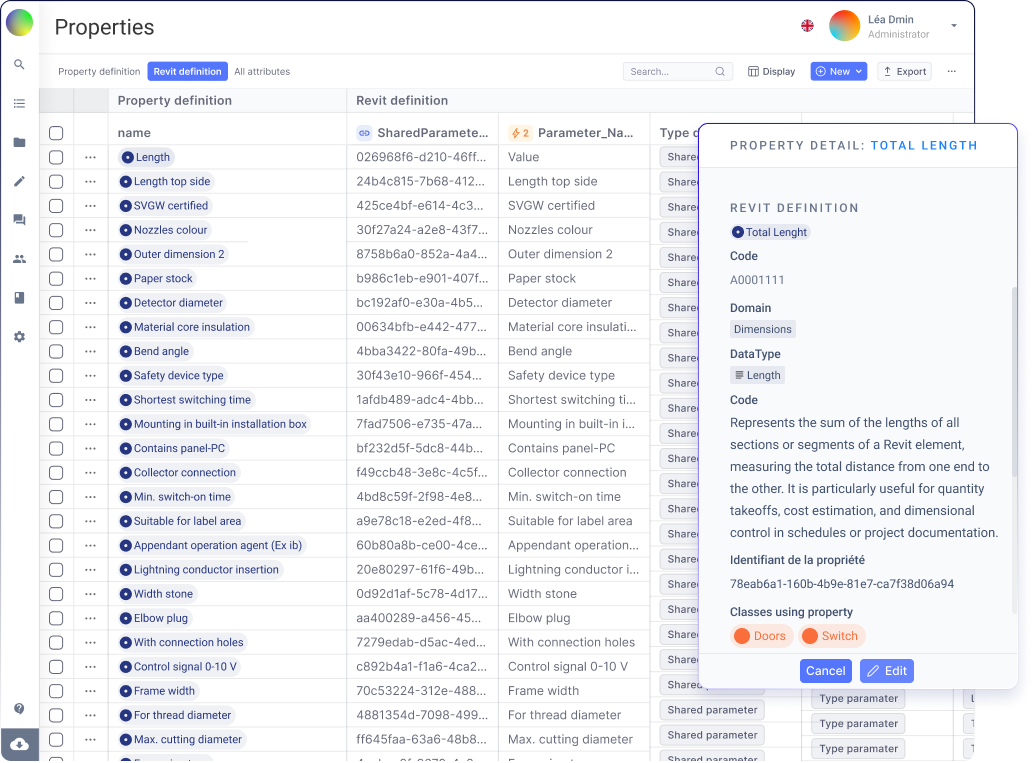
Automatically apply industry or custom classification codes to every object. Standardize properties and metadata, so your team spends less time fixing parameters errors and more time designing ensuring quality model at scale
Take control of your content. Define clear review and publishing workflows, enforce codifications, and keep your library organized. No more chaos—just a clean, structured system.
Speak a common language
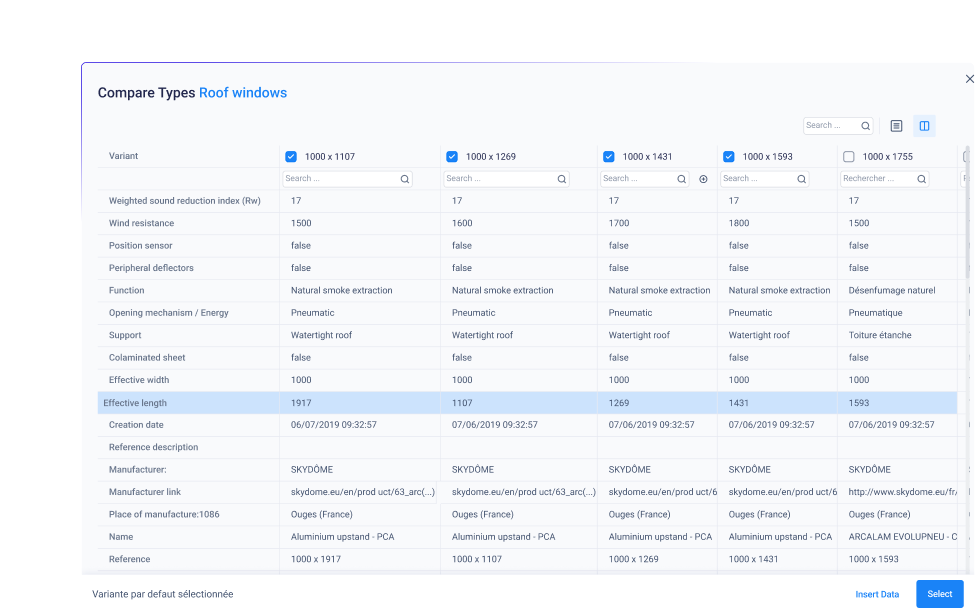
Pick the right type
Save time by lining up all possible Revit family types and selecting exactly what your project requires.
Create dedicated areas for each project team or department, customizing content and permission levels. Keep specialized libraries under one roof without losing the bigger, company-wide standards.
Spaces
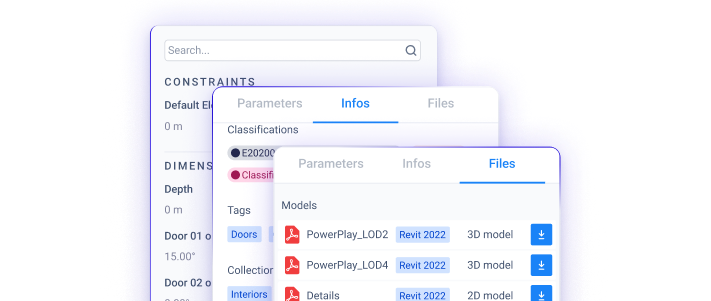
Get a complete, all-around view of your components—documentation, parameters, 2D or 3D details—before importing into your favorite software. No guesswork.
360° Assets - Access every angle
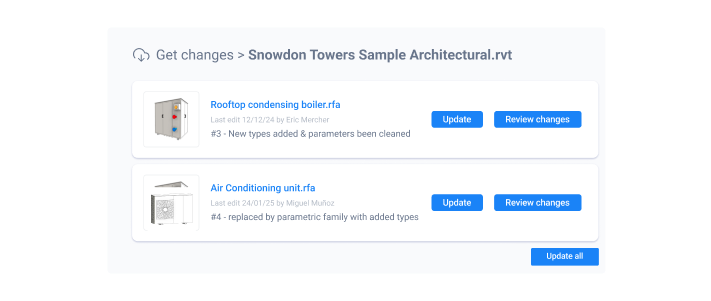
Keep your library current with the latest versions of each object. Pull updates directly from Onfly or push improvements from your project to the platform
Updates on-the-fly
Clear thumbnails
Our plugin generates crisp thumbnails for each Revit family, so you can instantly recognize so you can pick the right component at a glance.
Cross platform
Whether you work with Revit, AutoCAD, BricsCAD or Mensura or other, there’s a plug-in/an app to connect your team and work
Beyond BIM content Management
Advanced teams we work with
“L’outil permet une capitalisation simple et évite la perte d’éléments lorsqu’un collaborateur quitte l’entreprise”
Sergio Troncone
Systra france
“L’outil permet une capitalisation simple et évite la perte d’éléments lorsqu’un collaborateur quitte l’entreprise”
Sergio Troncone
Systra france
“L’outil permet une capitalisation simple et évite la perte d’éléments lorsqu’un collaborateur quitte l’entreprise”
Sergio Troncone
Systra france
“L’outil permet une capitalisation simple et évite la perte d’éléments lorsqu’un collaborateur quitte l’entreprise”